
Why Most Smart Homes Fail — And How to Design One That Doesn’t
Why Most Smart Homes Fail — And How to Design One That Doesn’t
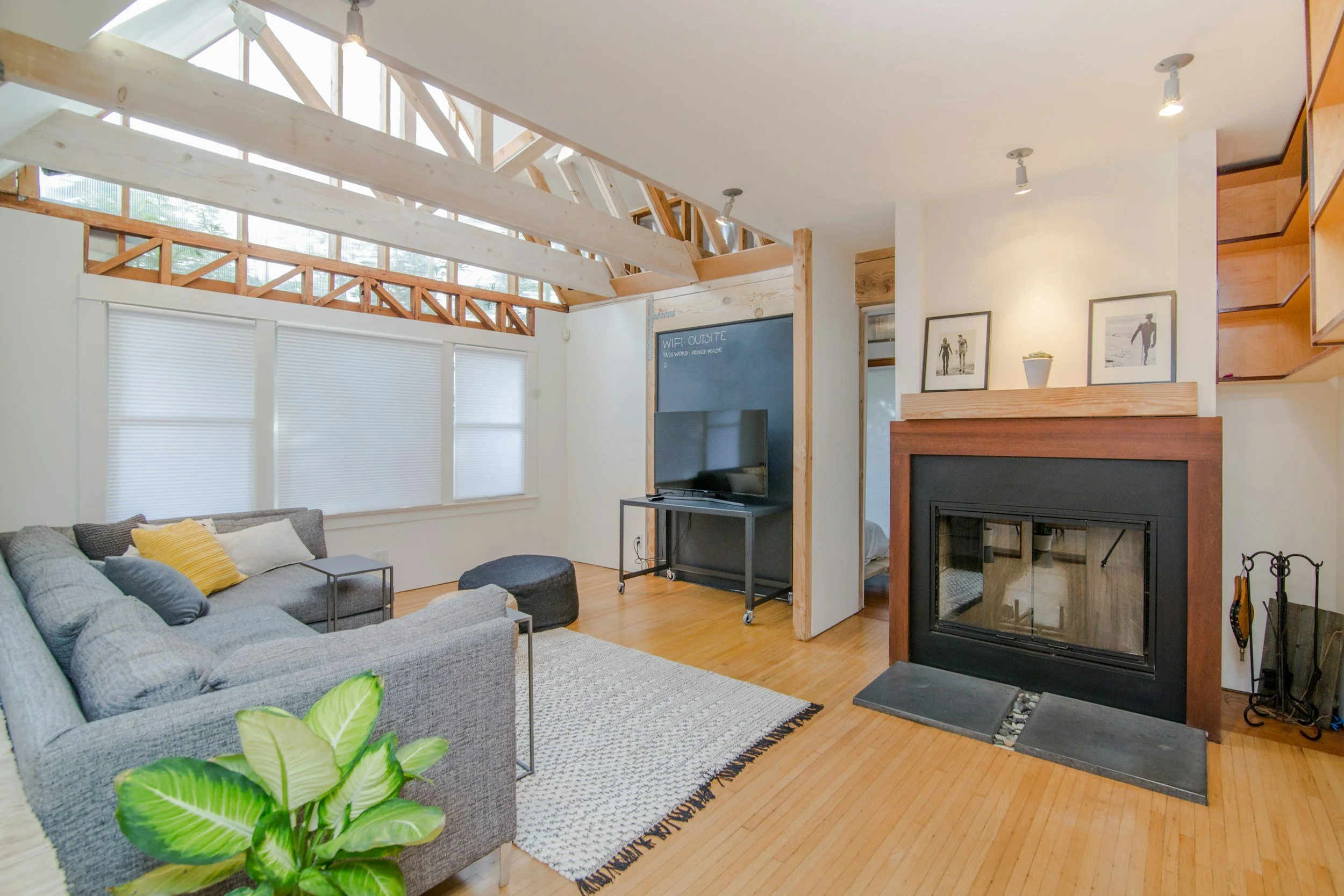
Most smart homes do not fail because the products are bad. They fail because too little thought went into why those products were chosen, how they would work together, and who would eventually live with them.
A smart home is a residence where lighting, motorized shades, climate, audio, video, surveillance, and access can work through a coordinated control platform. A well-designed system is engineered around the homeowner’s routines and priorities. A poorly designed one is simply a collection of products that happen to be connected.

Start With the Experience, Then Design the Infrastructure
The first questions in a project should be about the people who will use the home. How do they want to interact with it? Which experiences matter every day? Which technologies would only add complexity? Those answers should shape the infrastructure, system topology, and product selection that follow.
A homeowner who wants clean four-button keypads instead of walls covered with dimmers may need a panelized Lutron HomeWorks system. That affects electrical wiring before the walls are closed. A strong smart home control system makes the finished wall look simple precisely because the planning happened early.
Network drops, shade wiring, future audio zones, cameras, outdoor access points, a secondary internet connection, and conduit between buildings are all decisions that can preserve choices later. The goal is not to fill a home with infrastructure that will never be used. It is to recognize where a modest investment during construction protects valuable options after stone, millwork, finished ceilings, or landscaping are complete. Our guide to what future-proofing actually means explains why adaptability begins with pathways and access, not a promise to predict every new product.
In a custom home, that planning follows direct conversations with the homeowner and design team. In a spec home, it is guided by comparable properties, the builder’s likely buyer, the project budget, and the level of flexibility the home should retain.
A Smart Home Can Fail Without Anything Being Broken
A system can operate exactly as installed and still fail the homeowner. There may be five apps when one was expected. Everyday functions may be confusing for guests. The network and Wi-Fi may work inside the house but disappear at the pool. Or the homeowner may discover after move-in that the rooms where they expected music were never wired for speakers.
These are failures to understand the desired experience early enough to design for it. A system can meet every technical specification on a proposal and still miss the reason the homeowner wanted technology in the first place. The same principle shapes smart home integration during a renovation, when planning has to respect existing finishes as well as the desired outcome.

Reliability Means Designing Around Failure
Every technology system depends on critical components. Good engineering cannot eliminate every possible point of failure, but it can avoid unnecessary ones and limit how much of the home is affected when something needs attention.
The internet connection links the home to outside services; the local network carries traffic between devices inside the property. A home can lose internet service while its local network continues to function. Properly designed local systems may still communicate even though streaming, cloud features, remote access, and other internet-dependent functions are unavailable.
Reliability is not a promise that every function will survive every failure. It means understanding what each system depends on and deciding which dependencies are justified. The rest of the home should retain as much useful functionality as practical.
The Control System Should Add Capability, Not Become the House
Consider a home with Lutron controlling lighting and shades, Bluesound handling distributed music, Apple TVs providing local video sources, and Control4 providing integration. Each underlying system can operate independently. Control4 adds coordination, schedules, remote access, and a consolidated interface where those capabilities are useful.
In a room with one Apple TV connected directly to the display, the Apple remote may be all that is needed for video. A scene can still dim the lights and close the shades from a Lutron keypad. If the room later gains several sources, a projector, motorized screen, or other equipment that benefits from coordinated control, a dedicated control remote may make sense then.
That separation matters. If the control processor is unavailable, the homeowner can still operate lighting and shades from Lutron keypads, play music through the native platform, and use the locally connected Apple TV. Some automation is temporarily lost, but the underlying systems remain usable.
Every Added Dependency Should Have a Reason
Every additional device introduces another connection, power supply, firmware version, and potential service point. PoE injectors, switches, signal converters, extenders, control processors, and other components should have a reason to exist—not accumulate because different parts of the system were designed in isolation.
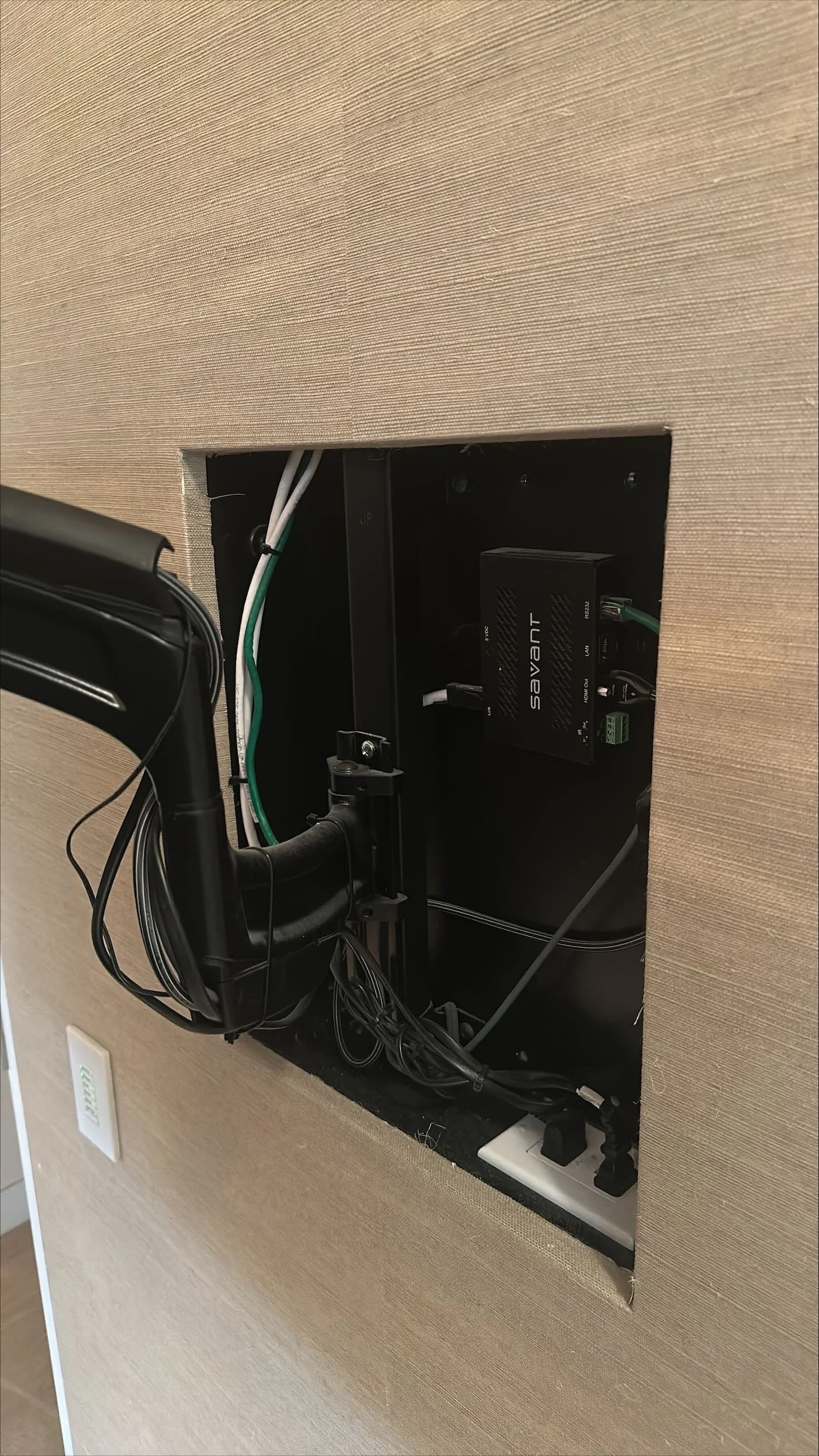
If an Apple TV can sit behind a television with a direct HDMI connection, placing it in a distant rack and routing it through a matrix and HDBaseT extender often adds cost and failure points without improving the everyday experience. A local source is simpler and easier to support.
There are important exceptions. A premium shared source such as Kaleidescape may justify a properly designed matrix and video-distribution system when it needs to serve multiple displays. Even then, local Apple TVs can handle routine streaming while the shared source is reserved for the experience that warrants it.
Wi-Fi Is Infrastructure. Use It for What It Does Well.
Wi-Fi is essential infrastructure in a modern home. It should serve the devices that benefit from mobility rather than substitute for wiring that should have been planned. Phones, tablets, and laptops are exactly the devices Wi-Fi serves well.
Fixed equipment in a new home should be hardwired when the product supports it. Televisions, streamers, audio components, control processors, cameras, access points, and rack equipment are not moving around the house. Their cabling can be planned during construction. In retrofit work, wireless may be a sensible compromise when finished walls or inaccessible pathways make a new cable impractical.
Wi-Fi is also not the only wireless technology in a home. Zigbee, Z-Wave, and Lutron Clear Connect were designed around different communication requirements. Good engineering is not a wired-versus-wireless argument; it is selecting the right communication method for the work a system must do.
Luxury Is in the Execution
Luxury does not have one design language. One client may prefer compact, beautifully integrated audio that provides easy whole-home listening. Another may want a reference two-channel system with dedicated components, carefully positioned speakers, and a room designed around focused listening. Neither is inherently more luxurious. They are designed around different priorities.
Either can be executed well or badly. Expensive loudspeakers placed wherever they fit are still poorly placed loudspeakers. A well-executed system begins with the intended experience and works backward: the room, primary listening position, sightlines, furniture, acoustics, service access, and the level of involvement the client actually wants.
A home may have discreet architectural speakers and straightforward distributed audio in most rooms while one space contains an elaborate listening system. The same thinking applies to motorized shades, lighting, and video: the most expensive or complex option is not automatically the most considered one.
Support Is Part of the System
Technology will eventually need attention. Software changes, hardware ages, internet providers replace equipment, rooms are renovated, and homeowners refine how they want the system to behave. Managed networking, addressable power, organized racks, accurate documentation, labeled wiring, and accessible equipment give a support team practical ways to resolve those changes without turning the client into the technician.
For example, a compatible amplifier in a planned back box behind a television may permit a direct HDMI ARC or eARC connection instead of an audio-return extender to a distant rack. An articulating mount can make the equipment accessible. Addressable power may let the support team restart a locked component remotely. These are small decisions with a large effect on a real service event.
The luxury is not a promise that technology will never need attention. It is knowing who to call, having a team that understands the home’s history, and having systems designed so that service is practical when it is needed.
Why Smart Homes Fail
Most smart homes do not fail because the wrong dimmer, amplifier, network switch, or control processor was purchased. They fail because expectations were not understood, the technology conversation began too late, the topology introduced unnecessary dependencies, the infrastructure could not support the desired experience, or no one planned how the system would be maintained after move-in.
At HTE, planning begins with how the client wants to live. We then work with the architect, interior designer, builder, and relevant trades to carry that intent into system design, drawings, equipment requirements, documentation, installation, commissioning, and long-term support. Integrated smart home technology design gives the project team a clearer way to make those decisions before they become compromises in the field.
That process is what changes the result. The same products are available to many installers. What differs is the conversation before they are selected, the engineering behind how they are used, the coordination required to install them properly, and the people who remain available after the project is complete.
Who is the system for? How do they want to live with it? Why is each layer of complexity being added? Those questions are more important than the product list.
Frequently Asked Questions
What is the most common reason a smart home fails?
Planning begins too late. When the homeowner experience, infrastructure, and coordination with the construction team are not defined early, the finished system often relies on compromises that are difficult to correct later.
Should every system be controlled through one platform?
Unified control is valuable, but critical systems should retain practical native operation. A control platform should add coordination and convenience without becoming the only way to turn on lights, adjust shades, or use local entertainment.
When should home technology be planned?
Ideally during architectural design or before a renovation begins. That is when wiring, equipment space, control locations, pathways, and trade coordination are easiest to resolve.
Is Wi-Fi enough for a large smart home?
No. Strong Wi-Fi is essential, but fixed devices that can be wired usually should be. A well-designed network uses both wired and wireless connections where each is most appropriate.