
Smart Home vs. Home Automation: What’s the Real Difference?
“Smart home” and “home automation” are often used interchangeably. In practice, however, they describe different levels of control and coordination.
A smart-home device gives you a new way to control something. Home automation connects multiple systems and allows the home to handle routine actions based on time, occupancy, daylight, or a selected scene.
The distinction is not absolute. An automated home is still a smart home. But a home filled with smart devices is not necessarily automated.
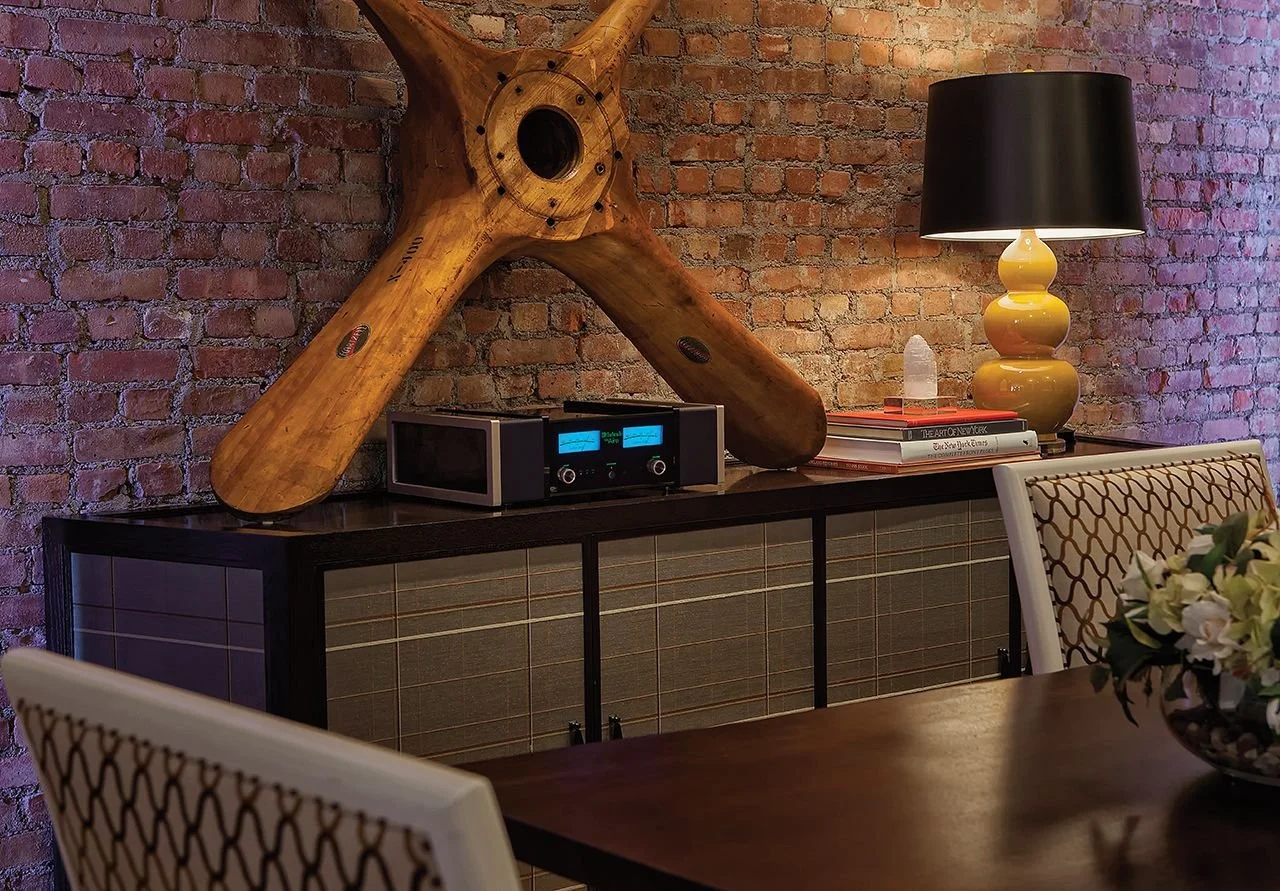
Smart Home vs Home Automation
The simplest way to understand the difference is this:
Smart-home technology responds to your commands. Home automation reduces how often those commands are necessary.
What Is a Smart Home?
A smart home contains connected devices or systems that can be controlled digitally. That control might come from an app, voice assistant, remote, touchscreen, or wall keypad.
Common examples include:
Adjusting a thermostat from your phone
Checking a doorbell camera while away
Turning lights on with a voice command
Starting music from an app
Closing a motorized shade from a keypad
Locking or unlocking a door remotely
These capabilities can be genuinely useful. They provide access, visibility, and control even when you are not physically standing beside the device.
The limitation is that each action usually begins with you. You open the app, select the room, find the device, and choose what it should do.
That is connected control—but it may not yet be automation.
What Is Home Automation?
Home automation allows individual systems to work together and respond according to rules, schedules, scenes, or conditions.
Instead of controlling every light, shade, thermostat, and audio zone separately, a well-designed smart home control system coordinates them around how the household actually lives.
For example:
An Away command can turn off selected lights, lower the temperature, close shades, lock doors, and arm the security system.
A Goodnight scene can shut down entertainment systems, turn off the main floor, illuminate a safe path to the bedrooms, and confirm that exterior doors are secured.
Shades can lower when afternoon sunlight creates glare or excessive heat.
Exterior lighting can follow an astronomical clock that adjusts as sunset changes throughout the year.
Climate settings can respond differently when a room, guest wing, or seasonal residence is unoccupied.
Pathway lighting can activate at a low level after dark without illuminating the entire house.
Automation does not mean surrendering control to the house. Manual controls should always remain clear and available.
The goal is to make routine behavior predictable while giving the homeowner an easy way to make changes whenever desired.
Smart Home vs. Home Automation at a Glance
| Smart-Home Technology | Home Automation |
|---|---|
| Provides connected control | Coordinates connected systems |
| Usually begins with a command | Can respond to schedules or conditions |
| May use a separate app for each device | Can provide one consistent interface |
| Often added one device at a time | Planned as an overall system |
| Improves access and convenience | Reduces repetitive decisions and actions |
| May work independently | Depends on integration and reliable infrastructure |
| Best for isolated needs or smaller scopes | Best when several systems must work together |
Why Can a Smart Home Still Feel Complicated?
A home can contain sophisticated technology and still be frustrating to operate.
This usually happens when products are selected individually without considering how they will work together. Lighting may use one app, thermostats another, cameras a third, and music a fourth. Every product may technically work, but the homeowner becomes the person responsible for coordinating all of them.
Common warning signs include:
Too many apps
Different controls in different rooms
Voice commands that are difficult to remember
Scenes that behave inconsistently
Devices that lose their connection
Automations that are inconvenient and eventually disabled
No clear company responsible for supporting the complete system
The problem is not necessarily the quality of the individual products. It is the absence of an overall design.
A good system should require less attention as it becomes more capable—not more.
When Are Individual Smart Devices Enough?
Not every home needs comprehensive automation.
A standalone smart thermostat, doorbell camera, lighting system, or music system may be the right answer when the need is limited and the homeowner is comfortable using separate controls.
HTE does not believe every available feature should be included simply because it can be. The appropriate scope depends on the home, the people living in it, and the problems the technology is meant to solve.
Individual systems may be sufficient when:
Only one or two functions need connected control
The project is limited to a single room
The homeowner prefers independent systems
There is no need for coordinated scenes
Future expansion is unlikely
Whole-home automation becomes more valuable as the property grows, the number of systems increases, or the household expects the home to behave consistently across many rooms and structures.
What Makes Home Automation Reliable?
Reliable automation begins with infrastructure, not an app.
The network, wiring, equipment locations, power protection, system programming, and control interfaces all affect how the home performs. If those foundations are unreliable, adding more automation can simply create more points of frustration.
A properly planned system considers:
Compatibility between lighting, shading, climate, security, and entertainment systems
Where equipment will be located and how it can be serviced
How the home should behave during an internet or power interruption
Which functions should be automatic
Which controls should remain immediately available
How guests, children, staff, and property managers will use the home
Who will maintain and support the system after installation
For new construction and major renovations, these decisions should be made before walls close. Early coordination protects the interior design, reduces last-minute changes, and creates better options for discreetly locating technology.
Where Lighting and Shading Fit
Lighting control and motorized shadingprovide some of the clearest examples of the difference between connected control and automation.
Connected control lets a homeowner dim the lights or close a shade from an app.
Automation can coordinate both systems around the room and time of day. Shades can manage glare and privacy while lighting adjusts to maintain a comfortable atmosphere. A single keypad command can prepare an entire space for entertaining, dining, watching a film, or closing the house for the evening.
The value is not simply remote control. It is consistent behavior that supports how the space is used.
How Does a Smart Home Become an Automated Home?
Automation does not require replacing every existing smart device. It requires deciding which systems should remain independent and which should be coordinated.
That process usually includes:
Understanding how the household uses each space.
Identifying repetitive actions that automation could simplify.
Evaluating existing devices, wiring, networking, and control platforms.
Selecting systems that can communicate reliably.
Creating a limited number of useful scenes and schedules.
Providing intuitive keypads, remotes, touchscreens, or apps.
Testing the system under real household conditions.
Planning for updates, maintenance, and long-term support.
The best result is not the home with the most automation. It is the home in which the appropriate actions happen consistently—and manual control remains obvious when someone wants it.
Frequently Asked Questions
Is a smart home the same as home automation?
Not exactly. A smart home may contain connected devices that can be controlled through apps, voice commands, or keypads. Home automation coordinates those devices and can perform routine actions according to schedules, scenes, occupancy, or other conditions.
Can a home be smart without being automated?
Yes. A home with app-controlled thermostats, lighting, cameras, or speakers is a smart home even if those products operate independently. It becomes more automated when the systems begin working together or responding without a separate command for every action.
Does home automation still allow manual control?
It should. Good automation supports the household rather than restricting it. Homeowners should still be able to adjust lights, shades, climate, audio, and other systems through clear, familiar controls.
Do I need whole-home automation?
Not necessarily. Standalone systems may be the better choice for a limited project or a homeowner who prefers independent controls. Whole-home automation is most useful when several systems, rooms, or structures need to operate consistently.
Can home automation be added to an existing home?
Yes. The available options depend on the home’s wiring, network, existing equipment, construction, and desired scope. A professional assessment can determine what can be retained, what should be updated, and whether the work should be completed at once or in phases.
The Bottom Line
A smart home gives you more ways to control technology.A well-automated home organizes that technology around how you live.The difference is not whether the home has an app, a touchscreen, or a voice assistant. It is whether the systems have been planned to work together reliably and reduce unnecessary interaction.At Home Technology Experts, we design lighting, shading, audio, video, networking, security, and control as parts of one residential experience. The recommendation follows the household and the home—not a predetermined list of products.
The best technology is felt, not fussed with.