
A surveillance system is only helpful when homeowners can quickly understand what happened.
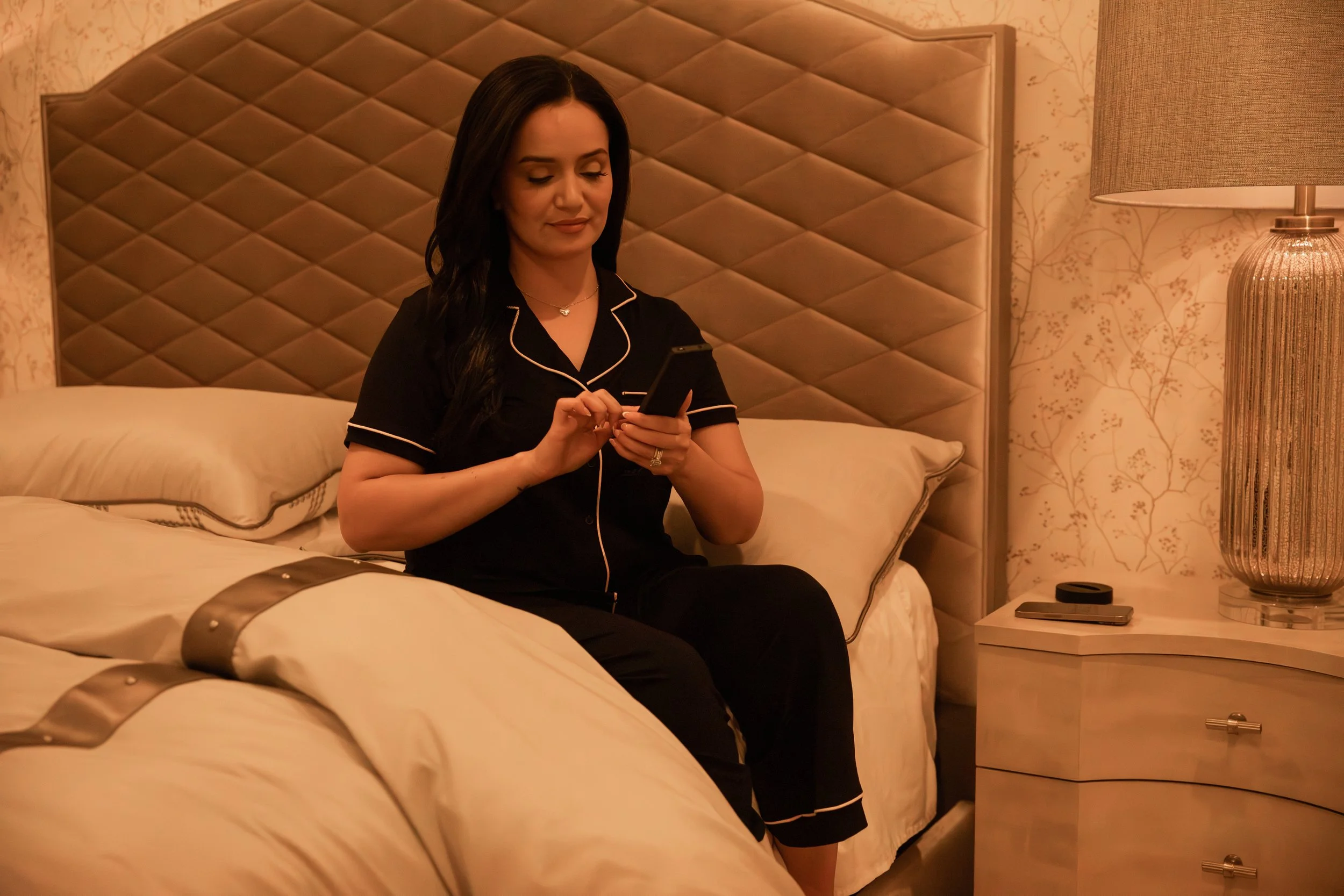
Control4 and the new Luma NVR drive enable customers to view and play back surveillance events natively within the Control4 app and touchpanels.
Traditionally, reviewing recorded camera footage has often meant leaving the home-control interface, opening a separate surveillance app, finding the correct camera, and searching through a timeline. Control4’s enhanced NVR surveillance experience promises to make that process considerably more intuitive.
With the new Luma NVR driver and optional Enhanced Surveillance UI, homeowners will be able to review supported surveillance events directly within the Control4 app and compatible touchpanels. For homes already using—or considering—Control4 and Luma surveillance, this is an important step toward a more unified security experience.
What Is Changing in Control4 Surveillance?
The new integration is designed to connect Control4 with Luma X20 and X21 network video recorders more deeply.
Instead of using Control4 only to view live camera feeds, homeowners can access and play back supported events without switching to a separate surveillance platform. When an event appears in the Control4 history, the homeowner can review the associated video from the same interface used to manage lighting, shades, entertainment, climate, and other connected systems.
That may sound like a small interface improvement. In daily use, however, it removes a meaningful layer of friction.
If someone approaches the front door, a vehicle enters the driveway, or activity occurs within a defined area, the homeowner can get to the relevant moment more quickly. There is less searching, less app switching, and a clearer connection between the alert and the recorded event.
Which Surveillance Events Will Be Supported?
The enhanced experience supports several types of intelligent events generated by compatible Luma surveillance equipment:
Person detection
Vehicle detection
Non-motor vehicle detection
Intrusion events
Line-crossing events
These capabilities help distinguish relevant activity from hours of ordinary camera footage. Rather than treating every movement as equally important, an appropriately designed system can surface events that are more likely to require attention.
For example, a camera may identify a person entering a designated area or a vehicle crossing a defined boundary. The homeowner can then review that event within Control4 instead of navigating separately through the NVR interface.
The result is not simply more surveillance data. It is faster access to the moments that matter.
Why Native Playback Matters
Many homes have accumulated separate apps for lighting, security, cameras, audio, thermostats, gates, and other systems. Each app may work, but the collection can make the home feel more complicated than it should.
Thoughtful integration does the opposite. It gives homeowners fewer places to look and fewer interfaces to learn.
Bringing surveillance event playback into Control4 supports that principle.
It allows the camera system to participate more naturally in the home’s broader control environment. Security becomes part of the experience of the home instead of another isolated technology layer.
This is especially valuable for households in which multiple family members need to use the system. A surveillance feature has limited practical value if only one person knows where to find it or how to operate it.
The best technology is felt, not fussed with. When important information appears where homeowners already expect to find it, the system becomes easier to use and more useful in real situations.
Compatibility Requirements to Consider
The enhanced surveillance interface has specific system requirements:
Control4 OS 4.0 or later is required
Control4 OS 4.1 is recommended
T4 and T5 Control4 touchpanels are supported
A compatible Luma X20 or X21 NVR is required
The optional Enhanced Surveillance UI must be enabled
There is also an important distinction between Control4 event history and the footage retained by the NVR.
Playback displayed through this experience is tied to the Control4 History Agent. It does not represent the NVR’s complete recording history or storage capacity. Homeowners may still need the dedicated surveillance interface when performing a broader investigation or searching recordings outside the events available in Control4.
That distinction will be explained clearly during system design and commissioning so the homeowner understands what each interface is intended to do.
Is This a Reason to Upgrade an Existing System?
For many homeowners, yes—particularly if the home has an older Control4 processor, outdated touchpanels, aging cameras, or a recorder that does not support the enhanced experience.
An upgrade may provide benefits beyond the new surveillance interface. Older systems can have limitations involving software compatibility, cybersecurity, camera resolution, remote access, storage, event detection, and ongoing product support.
However, an upgrade should begin with a review of the complete system rather than a simple equipment swap. HTE will evaluate:
The current Control4 operating system and processor
Touchpanel compatibility
Existing cameras and their placement
NVR model, capacity, and condition
Network performance and reliability
Remote-access requirements
Desired event types and detection zones
Recording-retention expectations
Opportunities to integrate gates, locks, lighting, and other security components
The goal is not to replace equipment merely because something newer exists. It is to determine whether the current system still provides a reliable, understandable, and supportable experience.
A More Intelligent Approach to Residential Security
The larger story is not simply that Control4 is adding another feature. It is that residential surveillance is moving from passive recording toward event-driven awareness.
Cameras have long been able to document activity. The more useful question is how quickly a homeowner can identify, understand, and respond to that activity.
When intelligent event detection, recorded video, and home control are thoughtfully connected, the system can provide clearer information with fewer steps. That is the kind of improvement homeowners notice—not because the technology calls attention to itself, but because it is easier to live with.
Planning a Control4 or Surveillance Upgrade
Home Technology Experts designs, upgrades, and supports integrated home technology systems, including Control4 automation, residential networks, security, and video surveillance.
If your Control4 or camera system is several years old, this is a good time to review its compatibility, reliability, and long-term support needs. HTE can assess the existing infrastructure, explain which components can remain, and recommend upgrades based on how you want the home to operate.
The right upgrade is not necessarily the one with the most equipment. It is the one that makes the system more reliable, more serviceable, and easier to use.
Contact Home Technology Experts to schedule a review of your Control4 and residential surveillance system.
Frequently Asked Questions
Can Control4 play recorded surveillance events?
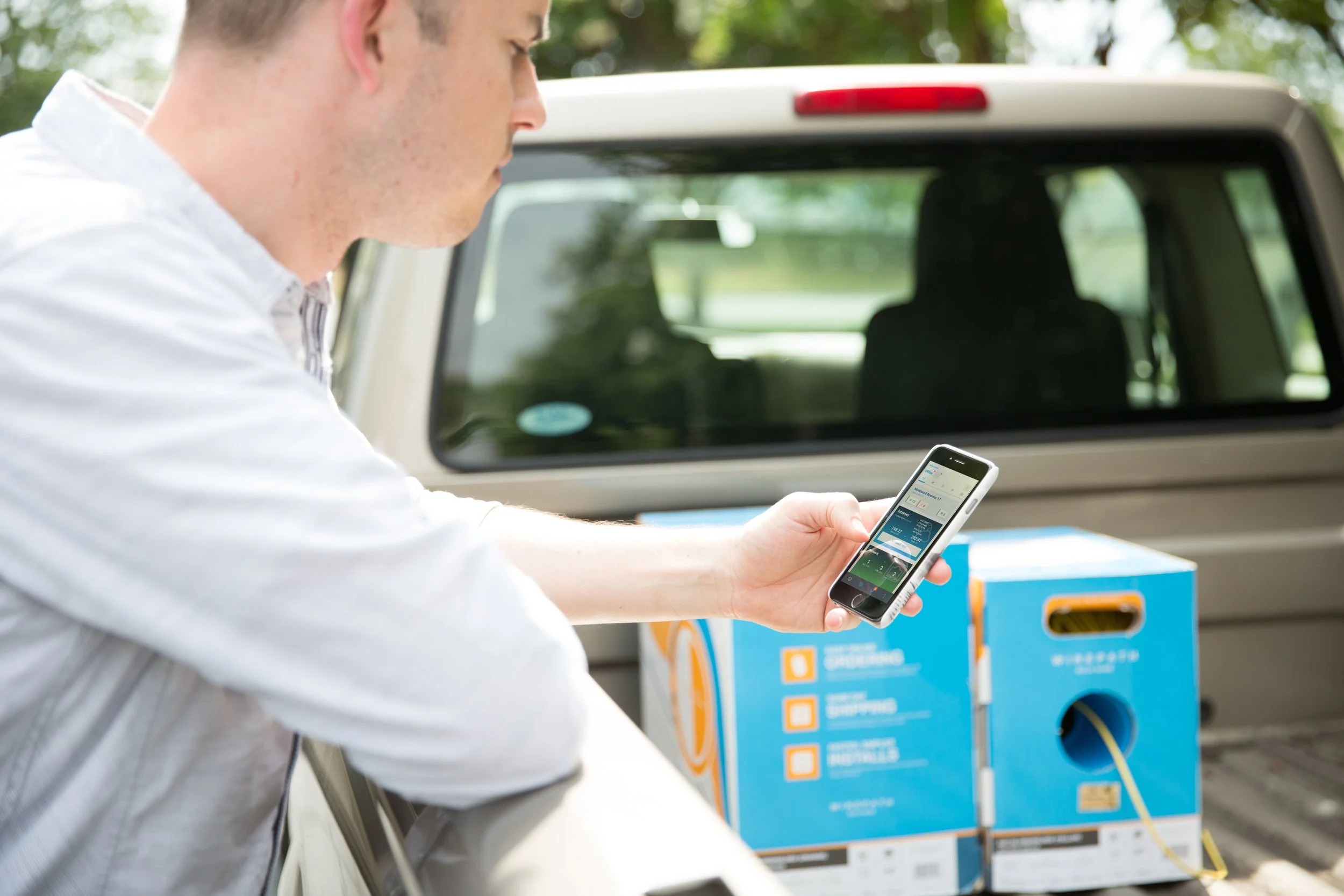
With the new Luma NVR driver and optional Enhanced Surveillance UI, compatible Control4 systems can play supported surveillance events within the Control4 app and T4 or T5 touchpanels.
Which Luma NVRs support the enhanced Control4 experience?
The enhanced integration is designed for Luma X20 and X21 NVRs.
Does Control4 show all footage stored on the NVR?
No. Playback within Control4 is associated with events recorded by the Control4 History Agent and does not represent the NVR’s complete storage history.
Does the update support intelligent camera events?
Yes. Supported events include person, vehicle, non-motor vehicle, intrusion, and line-crossing detection.
Do I need to upgrade my Control4 system?
The feature requires Control4 OS 4.0 or later, with OS 4.1 recommended, as well as compatible surveillance equipment and interfaces. An integrator should review the processor, touchpanels, network, cameras, and recorder before recommending an upgrade.