How to Orchestrate a Smart Home Around the Way You Live
A well-orchestrated smart home brings compatible systems together around the moments that matter. Some actions happen automatically, such as a path of light appearing after dark. Others begin when someone chooses a scene, adjusts a shade or presses a familiar keypad.
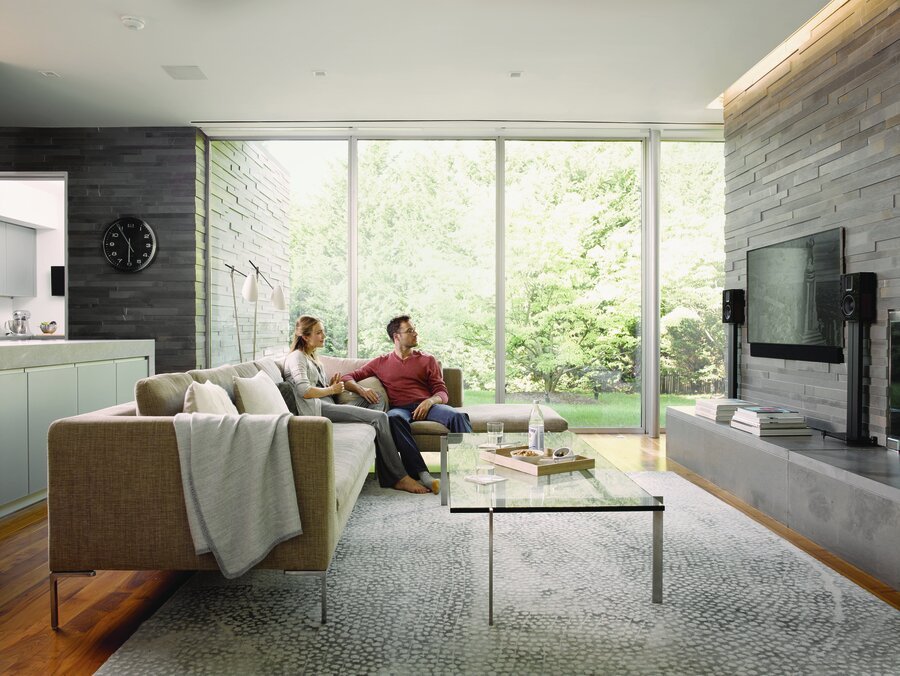
The most useful plan balances those two approaches: the routines a home can handle quietly and the decisions people want to make for themselves. Home Technology Experts designs smart home control systems around that balance for homes in the Hamptons, Long Island and New York City.
Begin with a moment, not a device
Imagine arriving at a Hamptons home after dark. The entry and hallway are comfortably lit, the temperature is welcoming and a keypad offers a simple way to start music. Each part serves a purpose. None needs to happen merely because the technology makes it possible.
Start by describing a few ordinary moments: waking up, leaving, returning, entertaining or settling in for the evening. For each one, ask what the household wants to change, who will use it and whether that change should happen automatically or by request.
Two complementary ways to coordinate a home
1. A scene someone chooses
A scene is a saved set of actions called up by a button, touchscreen, app or another supported control. A Movie scene might lower compatible shades, dim selected lights and prepare the entertainment system. A Dinner scene might adjust the lighting and start music in the dining area.
Scenes work well when a person knows what they want and when they want it. They can also make a guest’s experience easier: a clearly labeled button can prepare the room without asking someone to understand every component.
2. A routine that responds to a condition
An automatic routine begins when a configured condition is met. A motion sensor might turn on a low level of light in a hallway at night; a schedule might close selected shades in the evening. The trigger and response should be chosen with the household, the room and the available equipment in mind.
Automatic does not have to mean unpredictable. A useful routine has a clear purpose, sensible limits and an easy way to adjust or override it. For example, a hallway light can respond differently during the day and at night without changing the settings in a room where someone is watching a film.
For more on how rooms and systems are grouped, see understanding smart home control zones.
What can work together?
Depending on compatibility and programming, an integrated home can coordinate:
- Lighting controls and motorized shades for a comfortable balance of electric light, daylight and privacy.
- Music and video for a room, several rooms or a gathering that moves outdoors.
- Compatible climate settings for occupied rooms, guests or time away.
- Surveillance and access information in supported interfaces and notifications.
- Outdoor spaces, including entertainment and selected lighting, where the systems support integration.
Not every device supports every feature. HTE checks the specific models, software, interfaces and infrastructure before defining what a scene or routine can do. Surveillance notifications support awareness; they do not replace monitoring or emergency response.
Make it easy for everyone to use
A control system should make sense to the people living with it. Consider a labeled keypad at an entry, a straightforward remote near the television and simple room controls where guests need them. A phone can be useful, but it should not be the only practical option for an everyday task if the household prefers another control.
Agree on names, button locations and who may change settings. Documenting the intended behavior helps the home remain understandable and makes future adjustments easier. HTE’s article on documenting lighting scenes explains why those details matter.
Plan for the ordinary days and the unexpected ones
Consider what should happen during a power interruption, an internet outage or service work. Some systems can retain local control when internet access is unavailable; others depend on cloud services or connected equipment. The actual behavior depends on the design and should be tested for the functions that matter to your household.
A thoughtfully designed home network, appropriate power protection, clear documentation and a plan for support all contribute to a system that is easier to live with. Learn more about smart home outage protection.
Choose the platform after you define the experience
The right control platform depends on what you already own, the functions you want, the interfaces you prefer and how the system will be installed and supported. HTE can review those requirements and demonstrate suitable options. If you are comparing two established platforms, our Control4 and Savant comparison explores that decision separately.
For a new build or renovation, bring the conversation into the design process while wiring, equipment locations, shade pockets and keypads can still be coordinated. Architects, designers and builders can learn about HTE’s trade partner program.
Frequently asked questions
What is the difference between a scene and an automation?
A scene is a set of actions recalled together, often by a person. An automation is a configured action triggered by a condition such as a schedule or sensor. A scene can also be invoked by an automation when the system supports it.
Does everything in a smart home need to be automated?
No. Many households prefer automatic behavior for a few predictable routines and direct control for everything else. The choice should suit the people and the room.
Can existing equipment be included?
Sometimes. Compatibility, age, available connections and software all matter. An assessment can identify what can be retained, integrated or upgraded.
Make your home work in rhythm with you
Tell us which routines feel effortless and which need too many steps. HTE can help you plan a connected home around the way you live.
Discuss Your Project