
What Brands Does HTE Partner With for Video Conferencing and Collaboration?
The Brands We Trust for Video Conferencing and Collaboration
Clear communication matters—whether it’s a board meeting, a client presentation, or a call with remote teams. In professional environments, video conferencing should feel effortless. Voices should be clear, cameras should just work, and meetings should start on time without technical distractions.
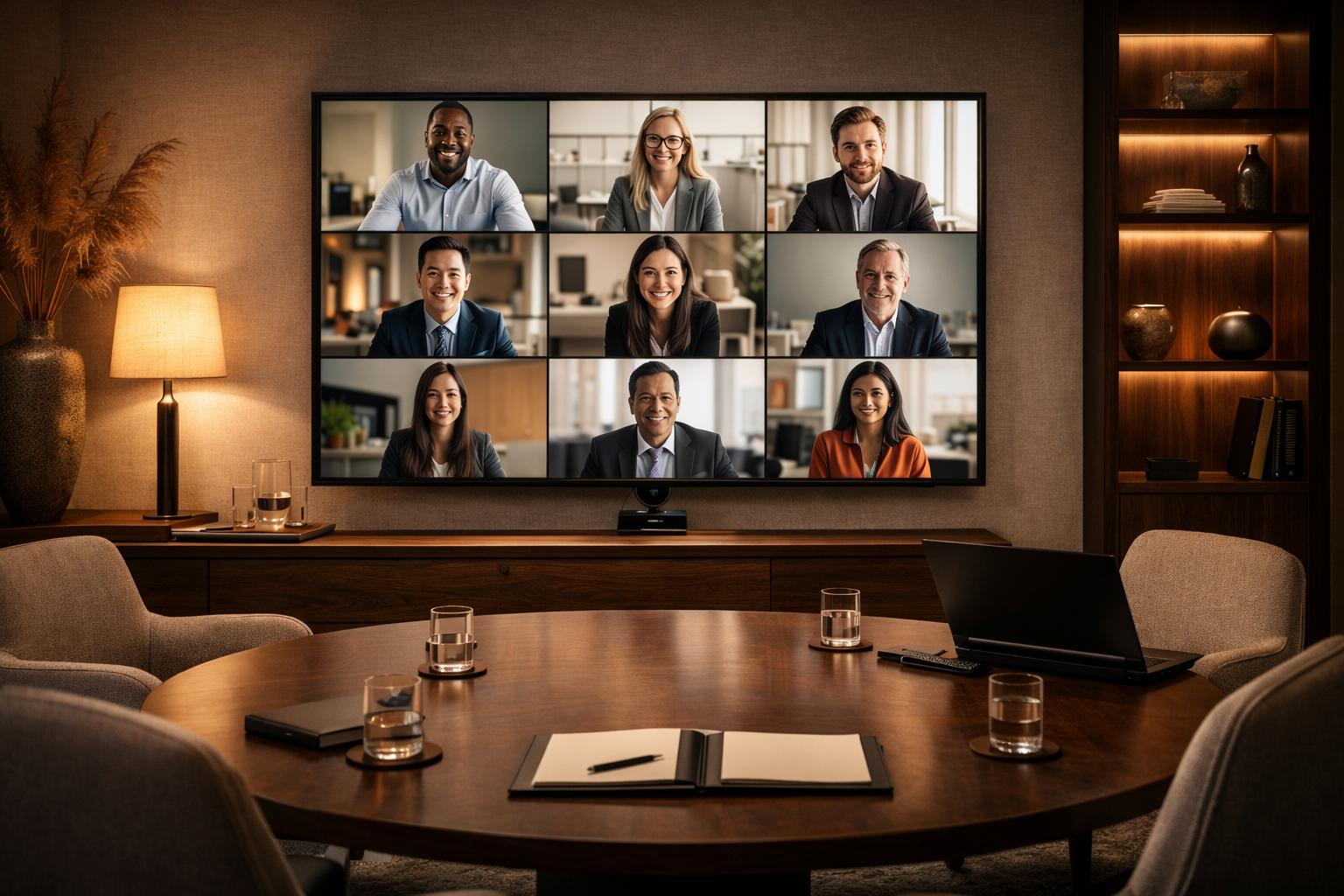
At Home Technology Experts, we’re selective about the brands we partner with for conferencing and collaboration. We focus on solutions that are reliable, intuitive, and proven in real-world use. Three brands consistently meet that standard: Poly, Shure, and Barco ClickShare.
Poly: Meetings That Feel Natural
Poly has long been a leader in professional video and voice communication. Their conferencing systems are designed to disappear into the room—handling the technical complexity so meetings feel natural and uninterrupted.
Poly cameras deliver clear, well-framed video without constant adjustment. Intelligent framing keeps participants in view, while consistent performance reduces the need for troubleshooting. On the audio side, Poly’s microphones and speakers are tuned for speech, not gimmicks, ensuring conversations remain clear even in larger or acoustically challenging spaces.
For our clients, Poly offers a dependable foundation for meeting rooms that need to work the same way every time.
Shure: When Audio Quality Is Non-Negotiable
If video helps you be seen, audio ensures you’re understood. Shure has built its reputation on professional-grade sound, and that experience translates directly into conferencing environments.
Shure microphones are known for clarity, consistency, and control. Whether ceiling-mounted or table-based, they’re designed to capture voices evenly across a room while minimizing background noise. This is especially important in larger conference rooms or spaces with reflective surfaces.
We often recommend Shure when audio quality can’t be compromised—because in meetings, poor sound is the fastest way to lose attention.
Barco ClickShare: Simple, Reliable Collaboration
ClickShare solves one of the most common meeting-room frustrations: getting content on the screen quickly and reliably. There is little more time consuming than walking an attendee through sharing their screen.
With ClickShare, users can share presentations wirelessly from their own devices without cables, adapters, or complex setup. It works consistently across platforms and doesn’t require guests to learn a new system.
The result is fewer delays, fewer questions, and smoother meetings—especially in spaces used by multiple teams or visitors.
Why These Brands Work Well Together
Each of these brands excels in its role, and together they form a conferencing experience that feels complete:
Poly handles video and room intelligence
Shure ensures voices are captured clearly and naturally
ClickShare makes content sharing effortless
More importantly, they integrate well into professionally designed spaces. The technology supports the meeting instead of competing with it.
The HTE Perspective
Good conferencing technology shouldn’t draw attention to itself. Or be difficult to use. It should reduce friction, eliminate guesswork, and allow people to focus on the conversation—not the controls.
We partner with Poly, Shure, and ClickShare because they align with how we design systems: dependable, intuitive, and built for long-term use. When these tools are thoughtfully specified and properly installed, meetings start on time, communication improves, and technology fades into the background.
That’s the standard we hold for every collaboration space we design.
What Makes a Great Video Conferencing Solution?
Video conferencing and collaboration success is defined by how effectively people can communicate, make decisions, and stay productive—without technology getting in the way. In professional and luxury residential environments, success goes beyond simply “having video.” It’s about reliability, positive experience, and successful outcomes.
Here are the core factors that Home Technology Experts use to define true success:
1. Clear Audio Above All Else
Audio quality is the single most important success factor.
Voices must be natural, balanced, and echo-free
Microphones should capture all participants evenly
Background noise and feedback must be eliminated
If participants struggle to hear or understand each other, collaboration fails—regardless of video quality. You cannot concentrate on the conversation if you can’t hear the words.
2. High-Quality, Well-Framed Video
Successful video conferencing delivers:
Sharp, well-lit images
Proper camera angles that feel natural and engaging
Automatic framing or speaker tracking in larger spaces
Good video builds presence and trust, helping remote participants feel fully included. The technology should create an as-live experience for all participants.
3. Ease of Use and Reliability
Technology should be invisible to the user:
One-touch meeting starts
Fast, consistent connections
Minimal troubleshooting or user intervention
If a system is confusing or unreliable, adoption drops and meetings lose momentum. Attending meetings should be as easy as walking to the board room.
4. Seamless Collaboration Tools
Beyond face-to-face communication, success includes:
Easy screen sharing
Wireless content sharing from any device
Digital whiteboards or shared documents
Real-time annotation and co-creation
Meetings should enable work to happen, not just conversation. Meetings should be provide concrete, actionable items regardless of the tools each member needs to bring to the table.
5. Room Design and Acoustics
The physical environment plays a major role:
Proper speaker placement for even sound distribution
Acoustic treatments to reduce echo and reverberation
Lighting designed specifically for cameras, not just the room
A well-designed room enhances clarity and reduces fatigue. Ease of use is key.
6. Platform Compatibility and Flexibility
Successful systems work across:
Zoom, Microsoft Teams, Google Meet, Webex, and more
Different devices and operating systems
Guests, clients, and partners outside the organization
Flexibility ensures meetings aren’t limited by software preferences.
Video Conferencing Brands We Integrate
Zoom – Simplicity Meets Power
Zoom remains a go-to choice for many professionals thanks to its ease of use and scalable meeting options. Whether it’s a quick one-on-one call or a town hall with thousands of attendees, Zoom delivers reliable performance and useful features like breakout rooms and virtual backgrounds.
Microsoft Teams – Integrated Collaboration for Businesses
Microsoft Teams combines video conferencing with chat, file sharing, and deep integration with Microsoft 365. It’s especially valuable for organizations already invested in Microsoft’s ecosystem, offering seamless collaboration and robust administrative controls.
Google Meet – Fast, Secure, and Web-Based
Google Meet excels in simplicity and accessibility. Since it runs directly in browsers with no downloads required, teams can connect quickly. Security features like encrypted calls and safe meeting controls make it a strong choice for enterprises and education sectors alike.
Cisco Webex – Enterprise-Grade Reliability
Cisco Webex brings professional-grade tools to large organizations with heavy collaboration needs. Its strengths include advanced security, high-quality video, and scalability, making it ideal for global teams and regulated industries.
Slack Huddles & Calls – Built-In Collaboration for Team Workflow
While not a traditional video conferencing platform, Slack’s Huddles and built-in calling features support quick face-to-face moments right within team conversations. Combined with Slack’s chat and app ecosystem, it’s a great choice for agile teams.
7. Security and Privacy
Especially for executive, legal, or high-profile users:
Encrypted connections
Secure network configuration
Controlled access to meetings and shared content
Confidence in security allows participants to focus on the conversation. The host is ultimately reliable for the security and privacy of all the participants.
8. Scalability and Longevity
A successful solution:
Adapts to different room sizes and meeting types
Supports future upgrades and new platforms
Remains relevant as collaboration needs evolve
This protects the investment and ensures long-term usability. Home Technology Experts designs audio video solutions that are scalable, saving you time, money, and frustration of having to start from scratch every time your system requires an upgrade.
9. User Comfort and Engagement
Finally, success is measured by how people feel:
Less meeting fatigue
More engagement and participation
Faster decisions and clearer outcomes
When technology enhances human interaction instead of distracting from it, collaboration succeeds.
Bottom Line
Video conferencing and collaboration success is defined by clarity, simplicity, reliability, and integration. When audio and video feel natural, tools are intuitive, and the room is designed for collaboration, meetings become productive experiences—not technical challenges.
FAQ (Frequently Asked Questions)
Q1. What’s the difference between video conferencing and collaboration tools?
Video conferencing focuses on live audio/video meetings, while collaboration tools add features like chat, file sharing, project boards, and document editing.
Q2. Are free video conferencing plans secure?
Free plans can be secure, but they often have limited admin controls and features. For sensitive business use, paid plans with advanced security are recommended.
Q3. Can I use multiple tools at once?
Yes — many organizations use a combination (e.g., Zoom for webinars, Teams for internal meetings).
Q4. Do these platforms work on mobile?
Most do. All major brands offer apps for iOS and Android for on-the-go collaboration.
Q5. What’s the best choice for remote teams?
It depends on workflow and existing tools—Teams for Microsoft users, Google Meet for Google Workspace users, and Zoom for flexible meeting needs.