
The Engineering Guide
How to Improve Your
Home's Wi-Fi Network.
Why consumer routers fail in luxury homes, and how enterprise-grade infrastructure guarantees seamless connectivity.
The Foundation of the Modern Estate.
When faced with buffering video calls or dropping audio, the most common question we hear is, "How can I improve my home's Wi-Fi network?" The instinct is to buy a "mesh" system off the shelf and scatter wireless pods around the house.
In a 10,000-square-foot Hamptons estate or a steel-framed Manhattan penthouse, consumer-grade mesh systems simply collapse under the architectural density and device load. To achieve true, zero-dropout connectivity, you must move from a consumer mindset to an enterprise engineering approach. Here are the five steps HTE takes to guarantee performance.
Ditch the Wireless Mesh
Consumer "mesh" networks (like Eero or Orbi) rely on wireless signals bouncing from one pod to the next. In luxury homes, thick walls, Venetian plaster, and foil-backed insulation block these signals, cutting your speed in half with every hop.
The solution is Hardwired Wireless Access Points (WAPs). Every antenna in your home should be physically cabled back to a central network switch using high-bandwidth Cat6 or fiber optic cable. This ensures 100% throughput in every room.

Network Heatmapping
You cannot guess where Wi-Fi belongs. Before installation, HTE performs a detailed Predictive Heatmap of your architectural plans.
We analyze the construction materials—accounting for interference from fireplaces, glass curtain walls, and concrete—to place access points mathematically. This guarantees overlapping, high-density coverage so your devices roam seamlessly without dropping calls.
"We don't guess. We engineer."
The Enterprise Backbone
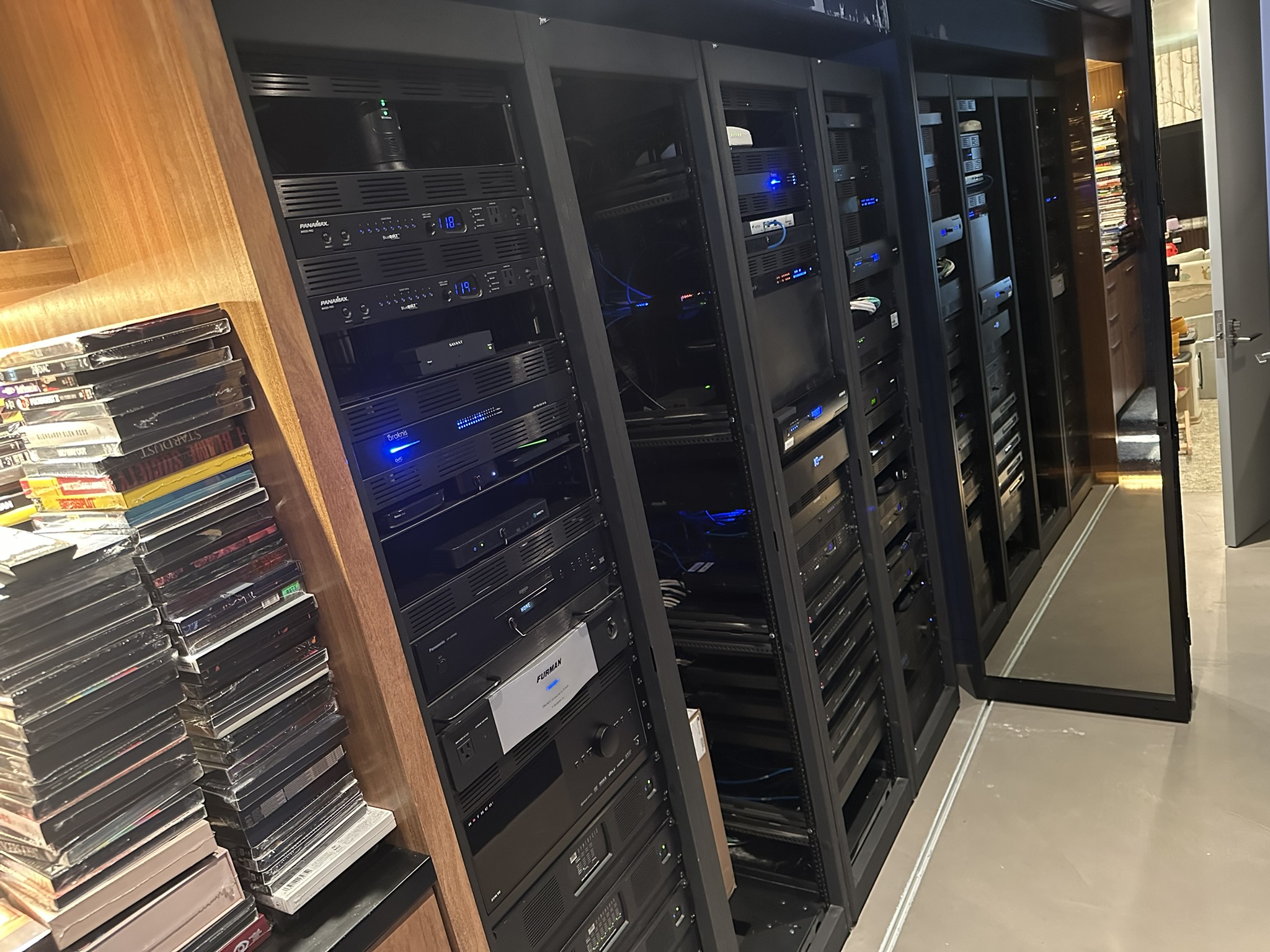
Wi-Fi is only as strong as the network switch supporting it. A luxury smart home may have over 150 connected devices simultaneously communicating: Control4 systems, streaming 4K video, Lutron lighting, and security cameras.
We utilize Ruckus and Ubiquiti Enterprise networking gear. These commercial-grade routers and switches act as a highly efficient traffic controller, ensuring your Zoom call is prioritized over a background software update.
Automatic Failover
In the Hamptons, relying solely on local cable providers like Optimum is a risk. Summer surges and coastal storms frequently cause outages.
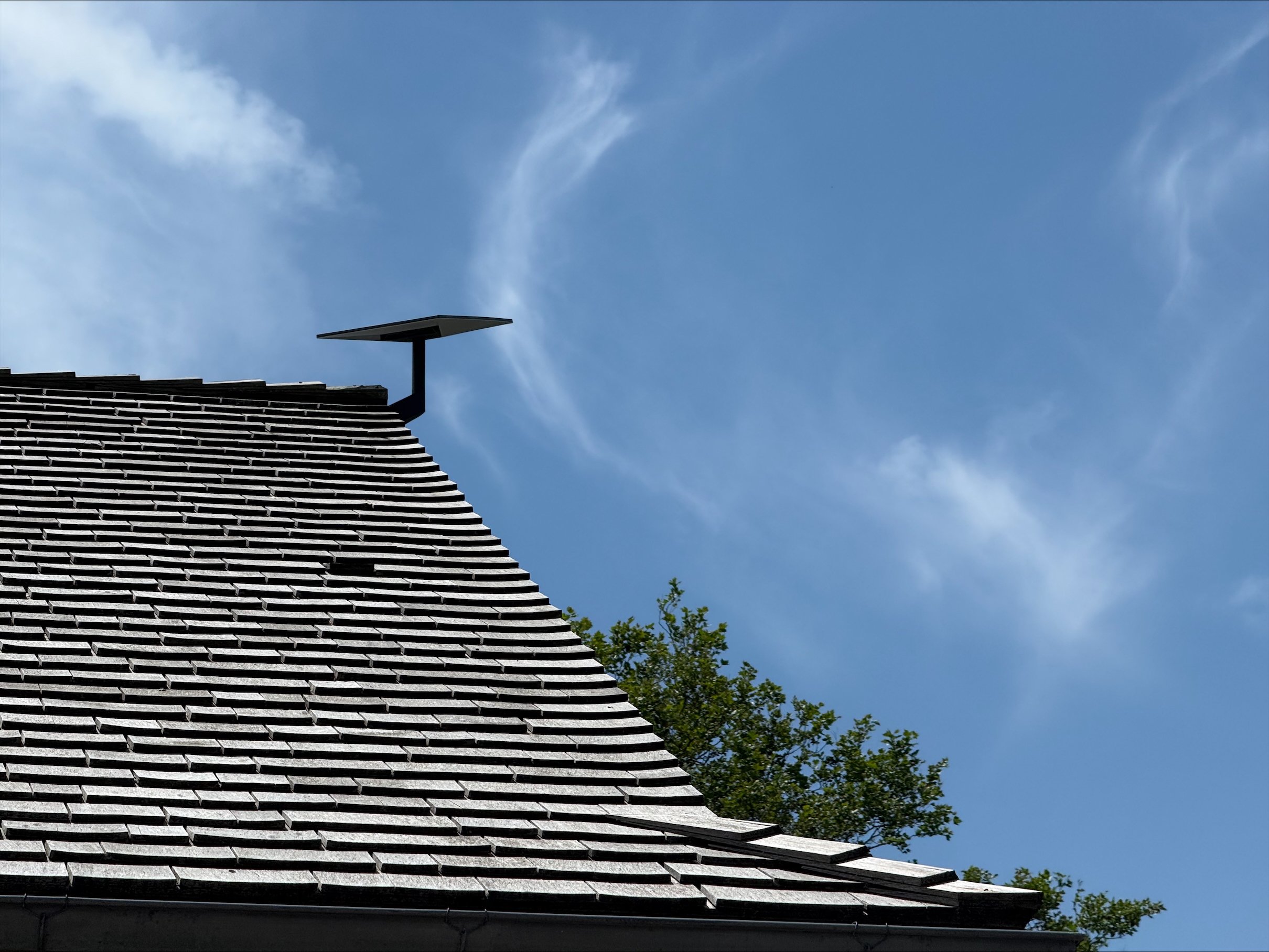
To achieve ultimate reliability, we install Dual-WAN routers paired with Starlink. If your primary fiber or cable connection drops, the system automatically and instantly fails over to satellite internet. You won't even notice the switch happened.
Proactive Monitoring
Even the best systems require oversight. When your internet goes down, you shouldn't have to be the one to reboot the router.
Through HTExpert Care, we securely monitor the health of your entire network 24/7/365. If a device goes offline or an ISP drops their signal, our remote systems can automatically power-cycle the specific equipment to restore your connection instantly.
Encrypted Traffic
Auto Reboots
Speed Testing
24/7 Support
Stop accepting dead zones.
Contact our engineering team to schedule a network audit or an on-site survey for your Manhattan or Hamptons residence.